 Zinn® Chat
Proactive chat messages
Start the conversation on the pages that matter, after a delay, on exit intent or at a scroll depth.
A small message appears beside the chat button. Clicking it opens the chat with that message.
This guide is about Zinn® Chat Pro. Every Pro plan starts with a free trial.
Write your rules
In Settings, Proactive messages, write one rule per line: page | when | message. Page is * for every page or part of an address such as /pricing. When is a number of seconds, exit, or a percentage such as 50%.
What visitors see
The first rule that matches the page shows its message once per visit, never while a chat is already running.
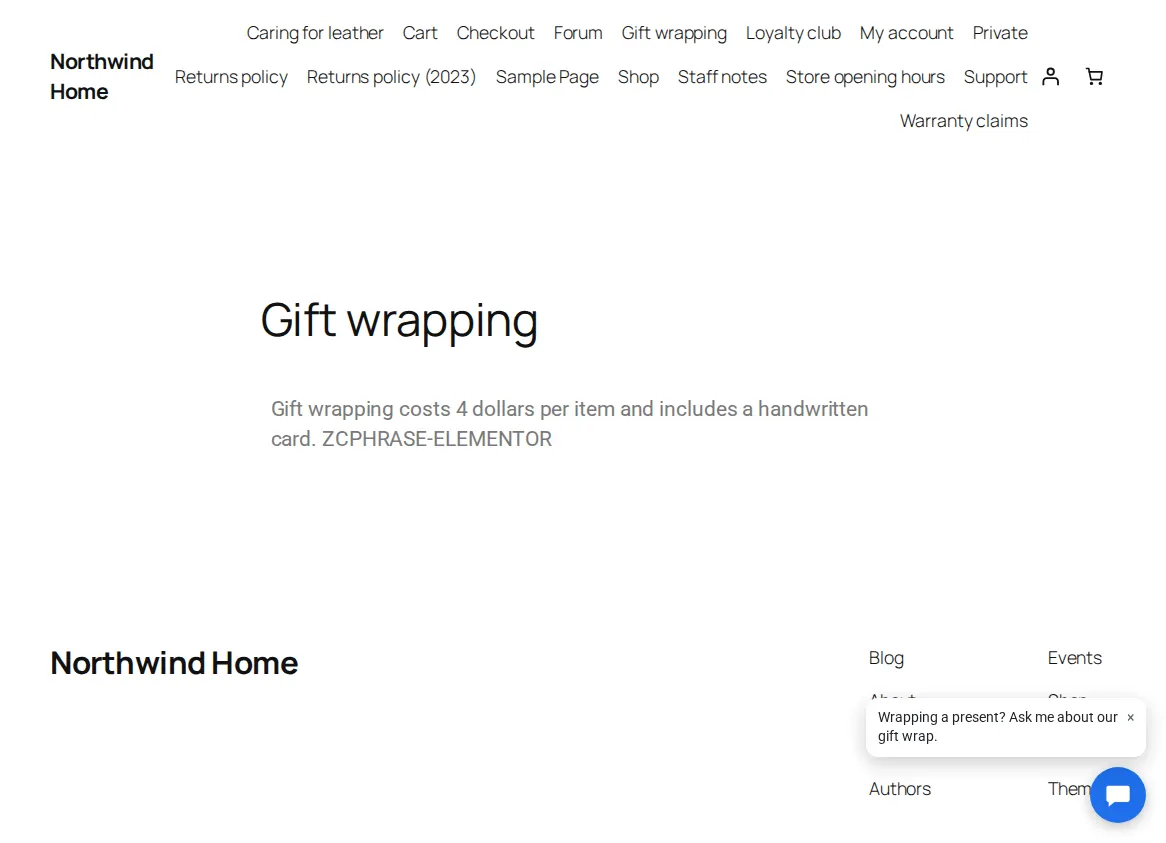
Still light
The message is part of the page, so nothing is loaded until the visitor clicks it.
Example: /pricing | 20 | Questions about our plans? We are here.
Related guides
- Start Zinn® Chat Pro
- Add support agents, departments and the phone app
- Saved replies, suggested replies and summaries
- Business hours and SLA targets
- Let customers reply to tickets by email
- Slack, Teams, Telegram, push and webhooks
- AI persona, hand-off rules, triage and extra sources
- Find and fill knowledge gaps
- Build a knowledge base in WordPress
- Import an existing knowledge base
- Help desk reports and customer ratings
- White-label the help desk
- Zinn® Chat shortcodes: every shortcode and attribute
Included with Zinn Digital® hosting
Already installed on every WordPress site we host
The free Zinn® Chat plugin comes installed and activated on every WordPress site we host on our own servers, so a chat is one switch away. Premium is an upgrade, per site, when you need more.