 Zinn® Chat
Install the WordPress chat plugin
Install the Zinn® Chat WordPress plugin, paste your chat key and show live chat on every page of your WordPress site.
The plugin adds the chat to every page of your WordPress site. It needs WordPress 6.9 or later and PHP 7.4 or later.
Download and upload the plugin
Download the Zinn® Chat plugin from its page on zinndigital.com. In WordPress, go to Plugins → Add New → Upload Plugin, choose the file, install it and activate it.
Copy your chat key
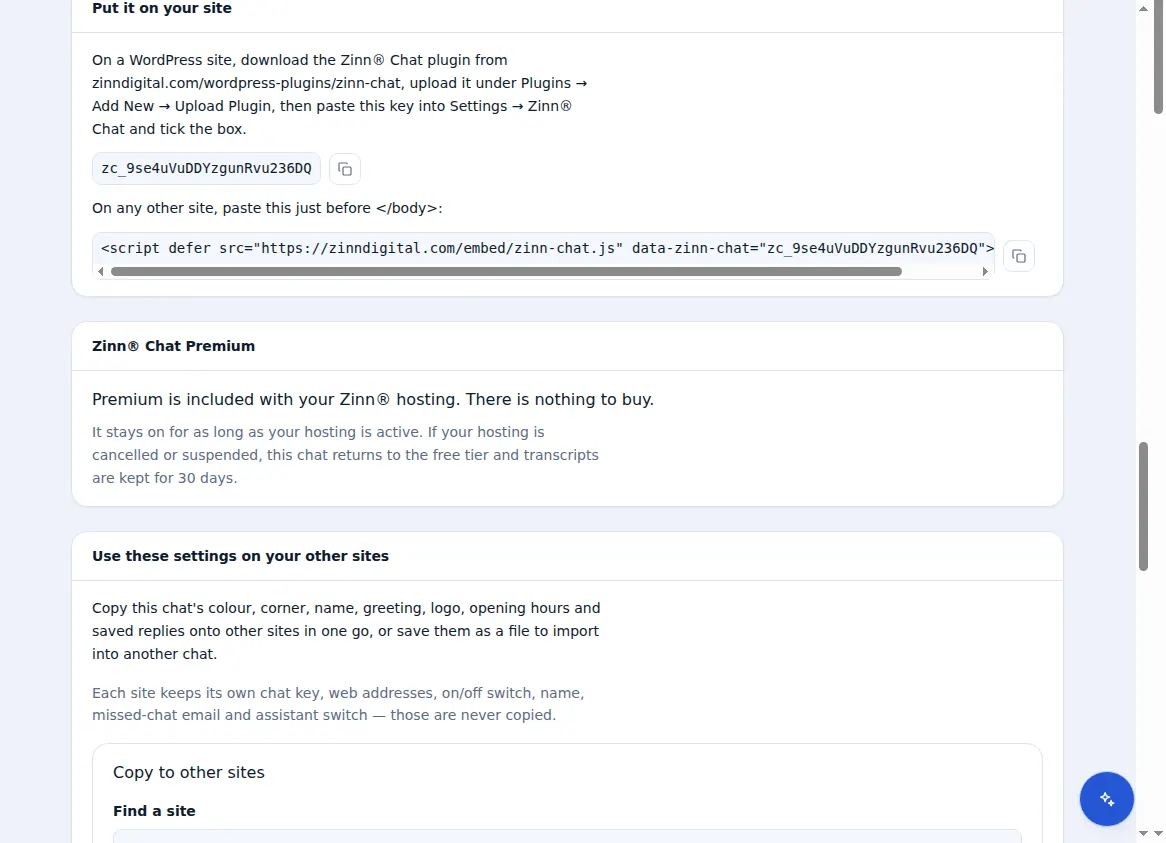
In your Zinn Digital® dashboard, open Live chat → Settings and copy the key under “Your chat key”. Add your site's address under “Web addresses this chat runs on”.
Paste it into WordPress
In WordPress, open Settings → Zinn® Chat, paste the key, tick the box to show the chat and save.
Visit your site
Open any page. The chat button appears once the page is ready, and makes no request until a visitor opens it.
Caching plugins can keep serving pages from before the chat was added. Clear the cache if the button does not appear.
Related guides
Included with Zinn Digital® hosting
Already installed on every WordPress site we host
The free Zinn® Chat plugin comes installed and activated on every WordPress site we host on our own servers, so a chat is one switch away. Premium is an upgrade, per site, when you need more.