 Zinn® Chat
Copy chat settings between sites
Copy a Zinn® Chat look, greeting, logo and opening hours to your other sites, or export them to a file and import them.
Set one chat up the way you like, then use it everywhere.
Open the chat you want to copy
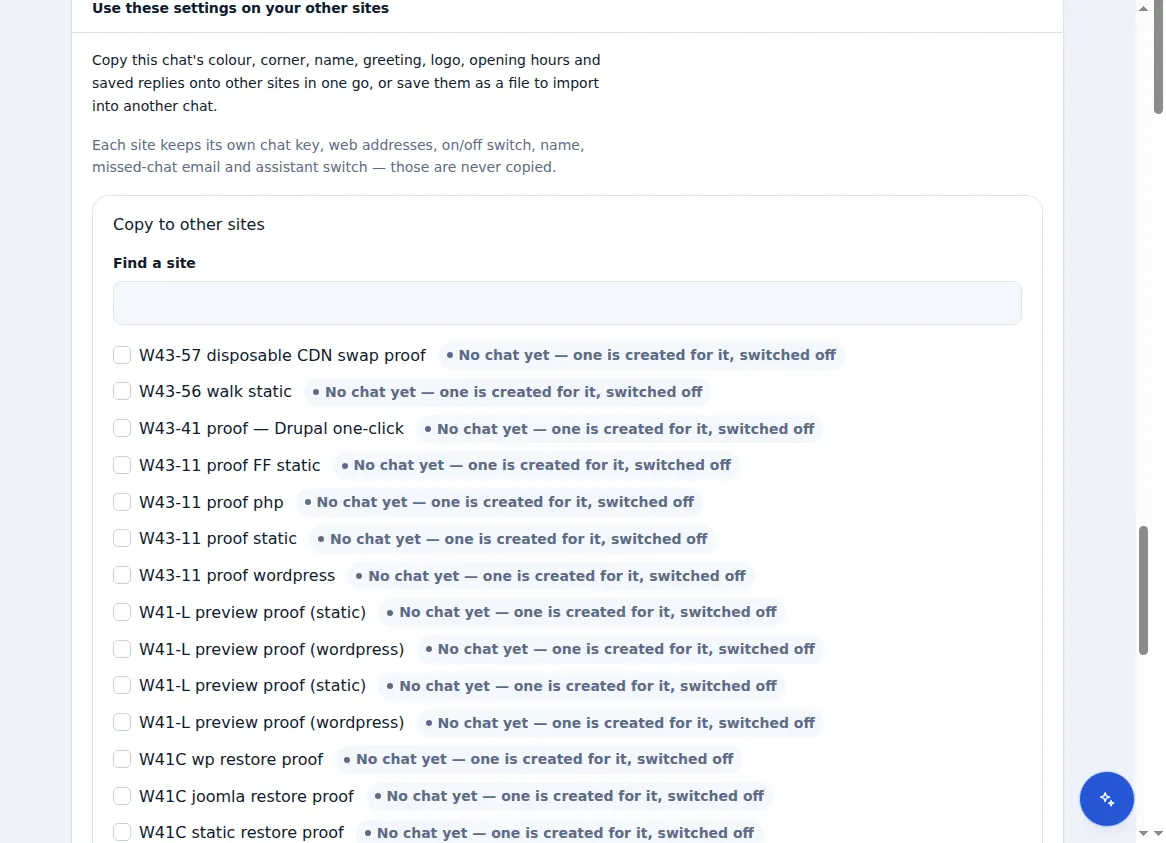
In Live chat → Settings, choose “Use these settings on your other sites”.
Pick the sites
Choose “Copy to other sites” and select where the settings should go. You see exactly what will change on each before anything is saved.
Or use a file
Choose “Export settings” to download them, then “Import from a file” on any chat, on this account or another.
A chat's key, web addresses, on/off switch, missed-chat email and assistant switch are never copied — they belong to one site.
Included with Zinn Digital® hosting
Already installed on every WordPress site we host
The free Zinn® Chat plugin comes installed and activated on every WordPress site we host on our own servers, so a chat is one switch away. Premium is an upgrade, per site, when you need more.