 Zinn® Chat
Live chat for WordPress
Add live chat and an AI chatbot to a WordPress site with the Zinn® Chat plugin: paste a key, tick a box, and answer visitors from your dashboard.
The Zinn® Chat plugin puts the chat on every page of a WordPress site without touching your theme.
Install the plugin
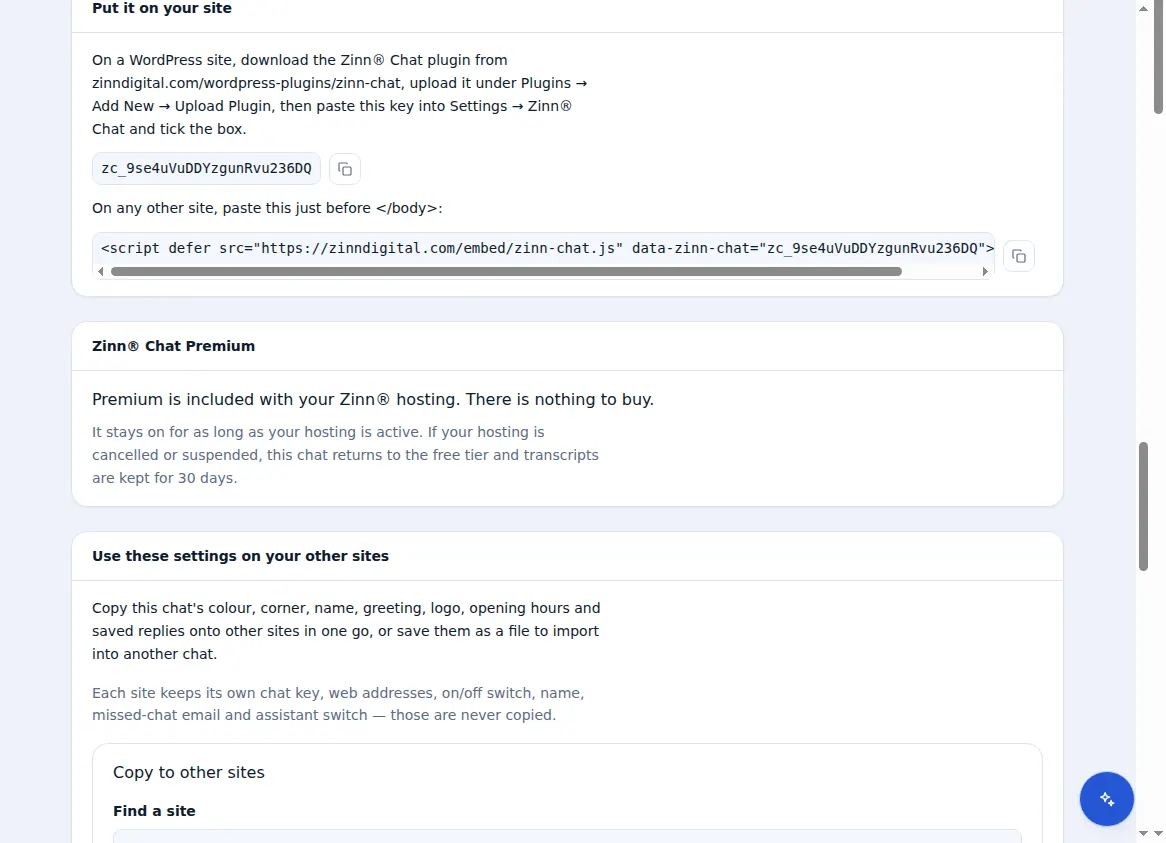
Download the plugin from zinndigital.com and upload it under Plugins → Add New. It needs WordPress 6.9 or later and PHP 7.4 or later. Then open Settings → Zinn® Chat.
Paste your chat key
Copy the key from the Live chat settings in your Zinn Digital® dashboard, paste it and tick the box to show the chat.
Nothing loads until a visitor clicks
The plugin passes the chat's settings with the page, so the widget makes no request of its own until a visitor opens it.
Why it suits WordPress sites
- No theme or template edits
- Small enough not to move your PageSpeed score
- Right-to-left themes are mirrored automatically
- On a WordPress site we host, the AI chat agent reads your pages straight from the server
Included with Zinn Digital® hosting
Already installed on every WordPress site we host
The free Zinn® Chat plugin comes installed and activated on every WordPress site we host on our own servers, so a chat is one switch away. Premium is an upgrade, per site, when you need more.