 Zinn® Chat
Customise how the chat looks
Change the Zinn® Chat widget's colour, corner, team name, greeting and logo, and hide the branding on Premium.
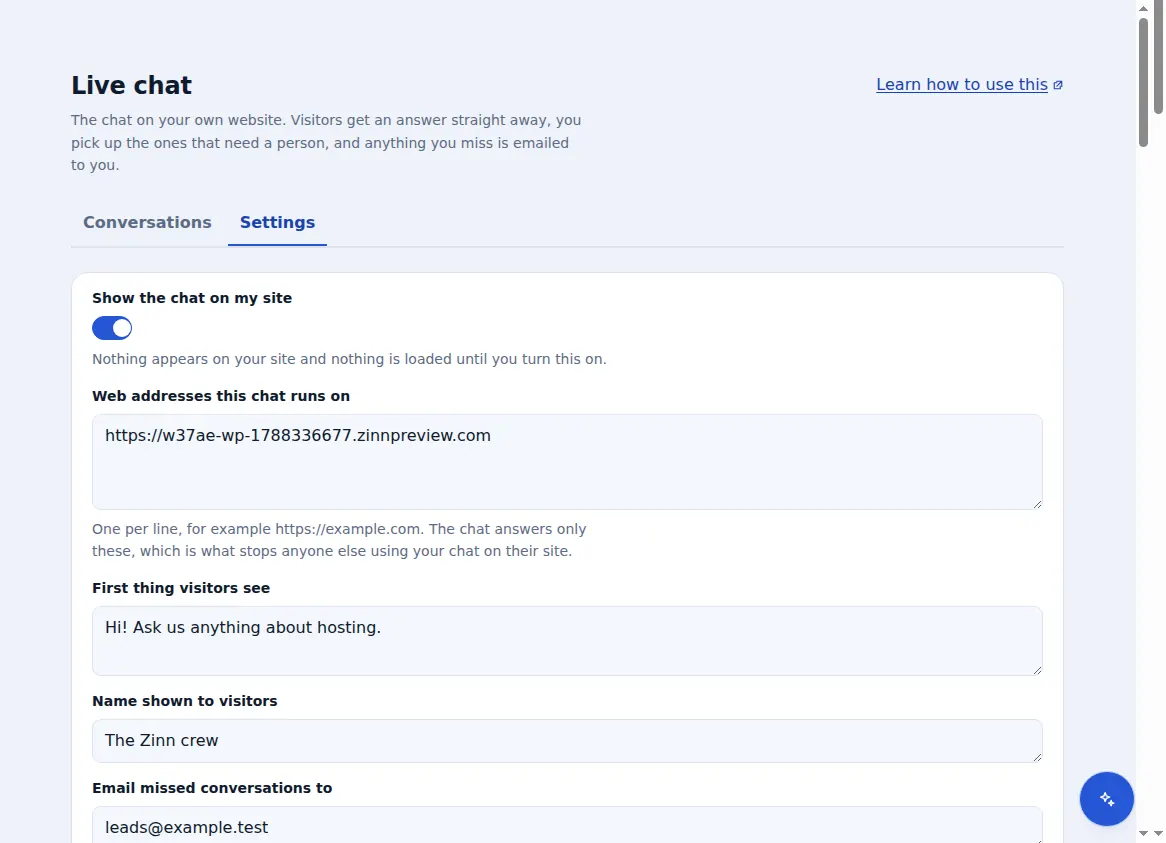
Everything a visitor sees is set under Live chat → Settings.
Colour and corner
Under “How it looks”, pick your colour and whether the chat sits bottom right or bottom left. On a right-to-left page it moves to the other corner by itself.
Name and greeting
Set “Name shown to visitors” and “First thing visitors see” — the greeting can be up to 200 characters.
Your logo (Premium)
Upload a PNG, JPEG, WebP or GIF of up to 256 KB. It appears in the chat on Premium.
Remove the branding (Premium)
Tick “Hide “Powered by Zinn® Chat”” and save.
The words the widget itself shows, like its buttons, come in the visitor's language automatically. Your greeting is shown as you write it.
Included with Zinn Digital® hosting
Already installed on every WordPress site we host
The free Zinn® Chat plugin comes installed and activated on every WordPress site we host on our own servers, so a chat is one switch away. Premium is an upgrade, per site, when you need more.