 Zinn® Chat
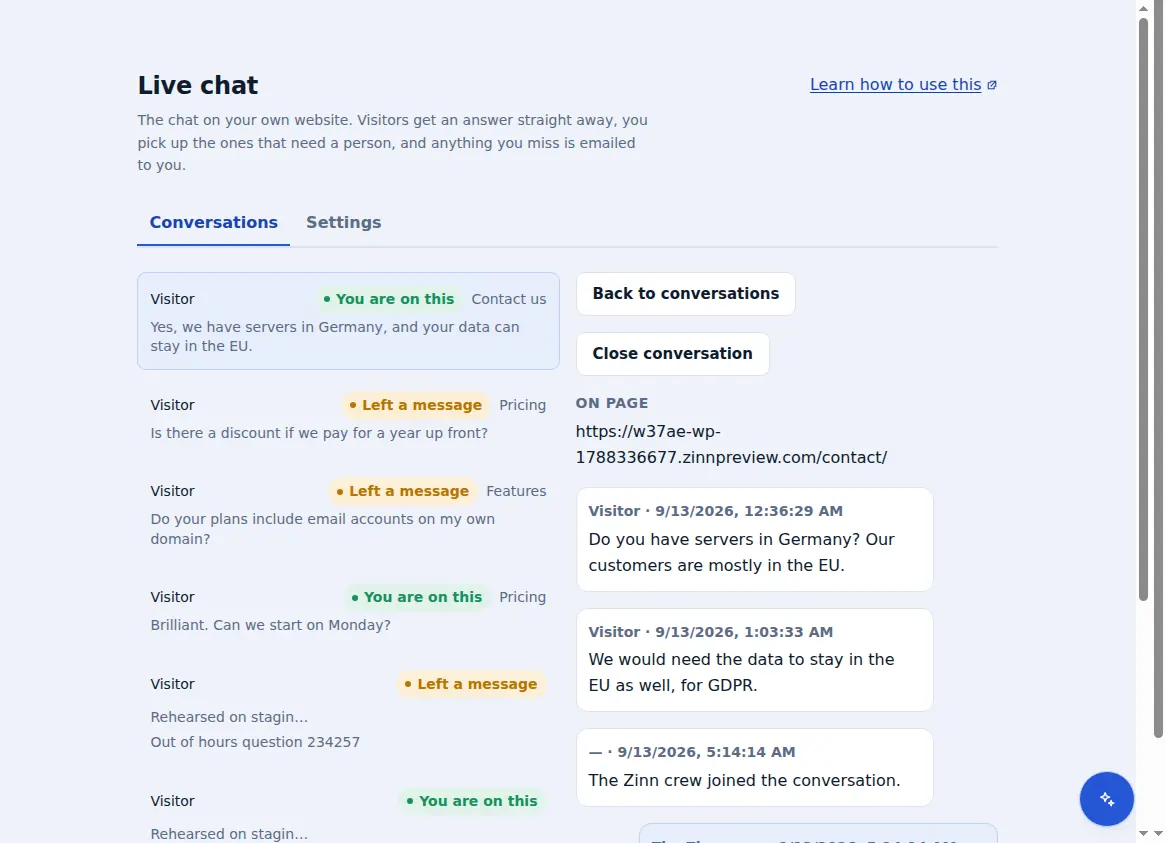
A tiny chat box — about 8 KB, loaded after your page — so it does not cost you speed.
Compare live chat tools
Zinn® Chat vs tawk.to
Zinn® Chat compared with tawk.to: free plans, the price of removing branding, AI answers and page speed, with sources.
Both give you a free live chat. The differences are in what removing the branding costs, how the AI is sold and what the chat does to your page.
The short answer
Both are free live chat. tawk.to charges monthly add-ons to remove its branding and for its AI; Zinn® Chat is priced per site, with branding removal in Premium and an AI agent that answers from your own pages.
| Zinn® Chat | tawk.to | |
|---|---|---|
| Free plan | Yes, with 100 assistant replies a month | Yes[1] |
| Remove branding | Premium | Remove Branding add-on, $29 a month[1] |
| AI answers from your content | AI chat agent, $29 a month per site | AI Assist, from $29 a month[1] |
| Priced by | Site — however many people answer | Free, with paid add-ons[1] |
Sources
Why websites choose Zinn® Chat over tawk.to
Missed chats are emailed to you with the visitor's messages, so nothing is lost when nobody is online.
No IP address stored and no cookies set: simpler for privacy notices.
When the other tool may suit you better
tawk.to offers paid human agents to answer chats for you by the hour, which Zinn® Chat does not.
How to switch from tawk.to in three steps
Add Zinn® Chat to your site
Create a free account and paste one line of script before the closing body tag — or, on WordPress, install the free plugin and tick the box. Set your colour, corner and greeting.
Remove the tawk.to widget
Take the tawk.to snippet or plugin off the same pages, so visitors only ever see one chat box. Your missed-chat emails start working straight away.
Let the AI learn your site
If you want instant answers, add the AI chat agent: it reads your pages and answers from them, and hands over to a person when it does not know.
Questions about switching from tawk.to
Is Zinn® Chat really free compared with tawk.to?
Yes. The chat box, the inbox, missed-chat emails and your own colours and greeting are free, with 100 assistant replies a month. Premium is $19 a month per site, however many people on your team answer.
Can I bring my old tawk.to conversations with me?
No — past conversations stay in tawk.to. New conversations start in your Zinn® Chat inbox the moment the new chat box is live, so keep tawk.to open until the old ones are closed.
Will Zinn® Chat slow my site down?
It is about 8 KB compressed and waits until your page is ready before it loads, so it does not delay what visitors see first.
More live chat comparisons
- Zinn® Chat vs Tidio
- Zinn® Chat vs Crisp
- Zinn® Chat vs Intercom
- Zinn® Chat vs LiveChat
- Zinn® Chat vs Zendesk
- Zinn® Chat vs Freshdesk
Competitor figures were read from each company's own pricing page on the date shown. Prices change — check the linked page before you decide.
Included with Zinn Digital® hosting
Already installed on every WordPress site we host
The free Zinn® Chat plugin comes installed and activated on every WordPress site we host on our own servers, so a chat is one switch away. Premium is an upgrade, per site, when you need more.